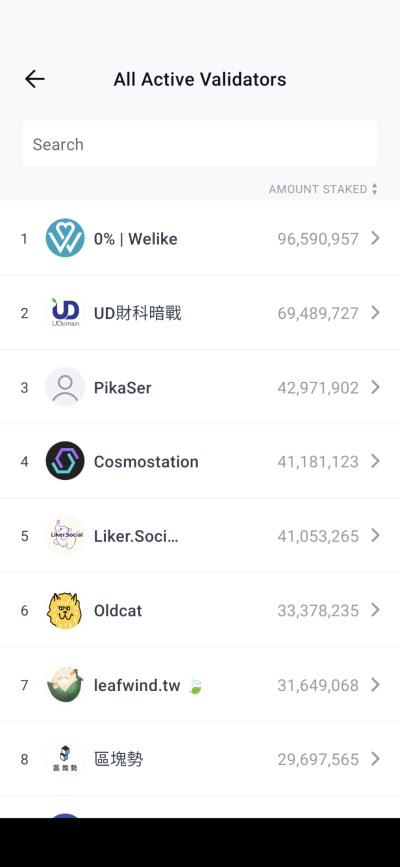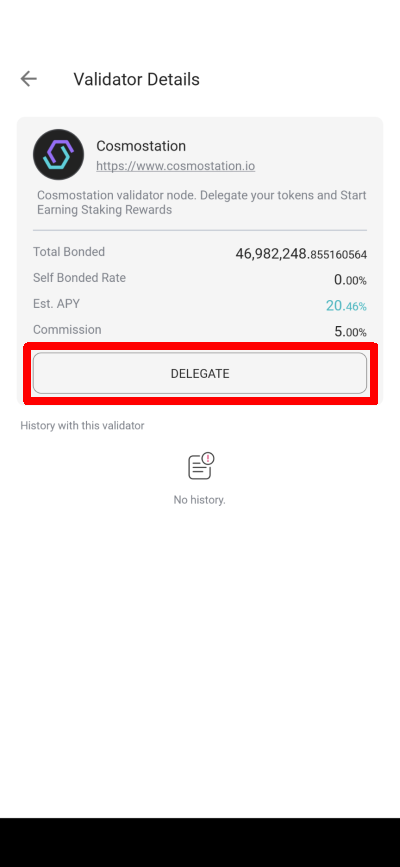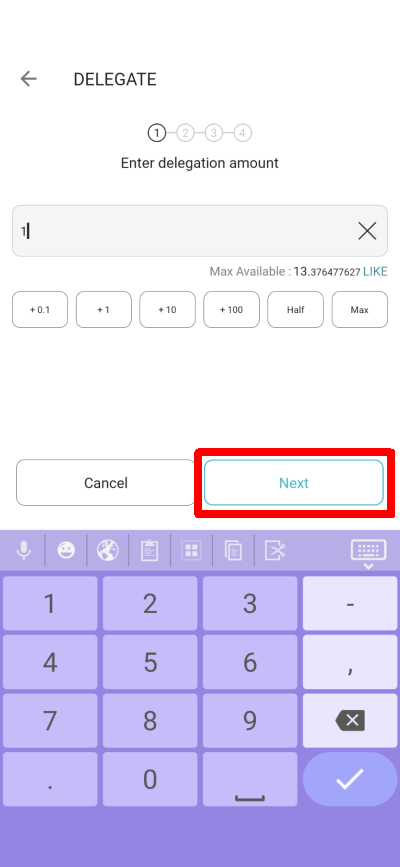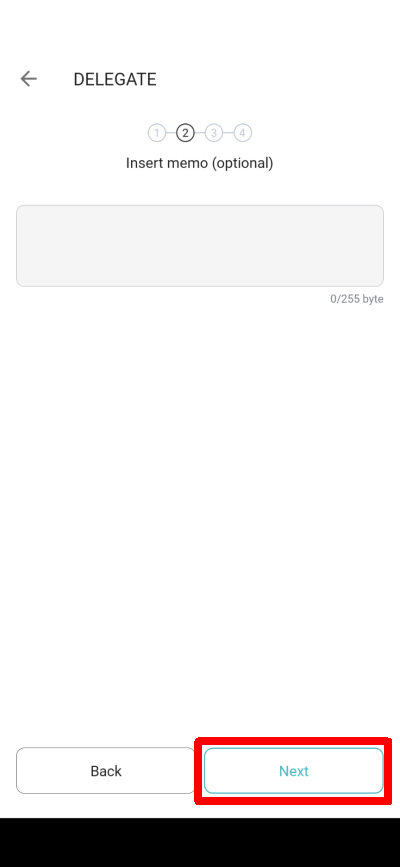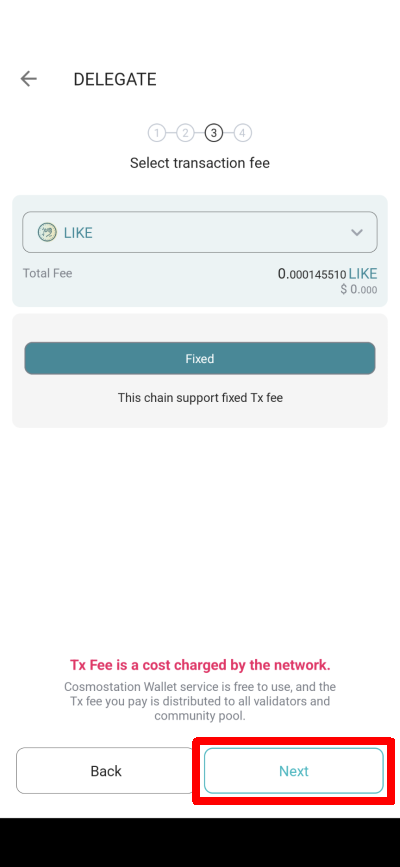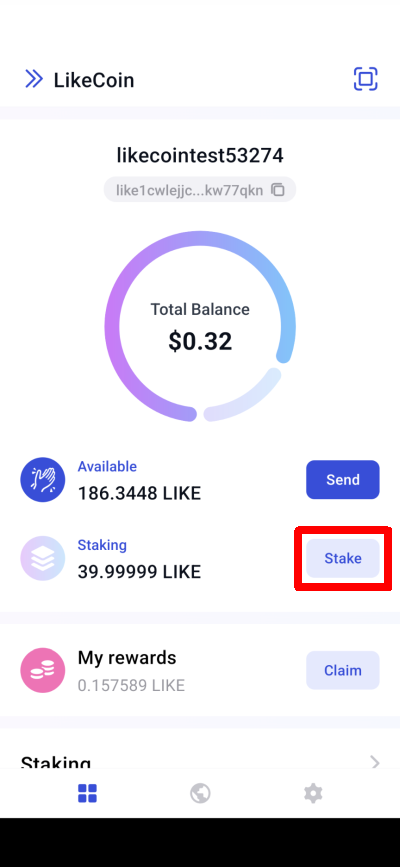
In the "All Active Validators", choose the validator you want to delegate to.
In the "All Active Validators" choose the validator you want to delegate to
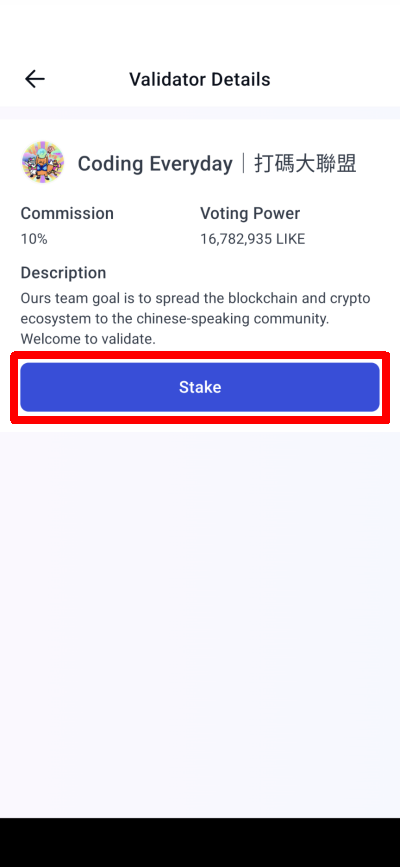
Step 3: Delegate
Click "Stake".
Click "Stake"
Step 4: Decide the amount to delegate
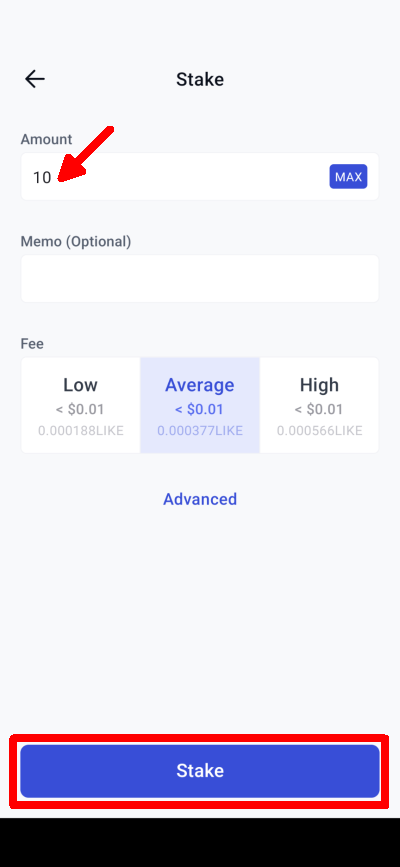
Enter the amount of LikeCoin you want to delegate and click "Stake".
Enter the amount of LikeCoin you want to delegate and click "Stake"
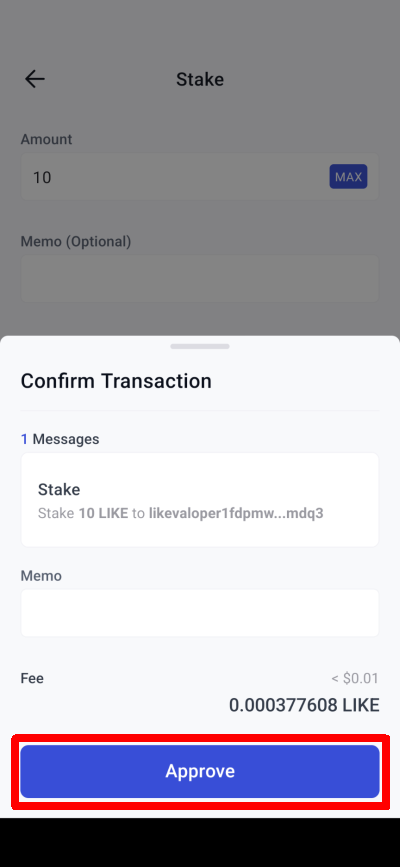
Step 5: Confirm the amount, transaction fee, and complete the delegation
The estimated transaction fee is displayed; click "Approve" to complete the delegation.
The estimated transaction fee is displayed; click "Approve" to complete the delegation
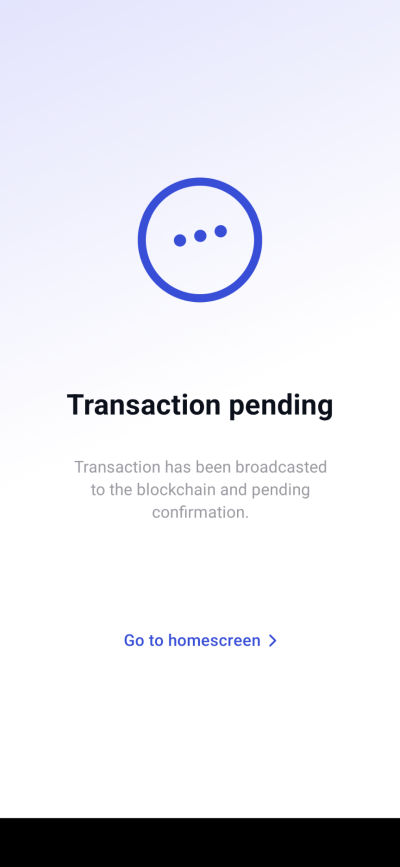
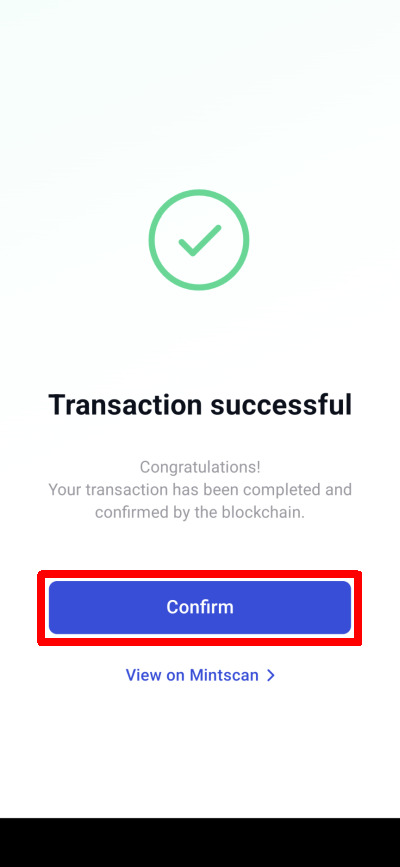
You will see "Transaction pending" and then "Transaction successful", indicating that the delegation is complete. Click "Confirm" to return to the homepage.
Transaction pending
Transaction successful
Step 6: Check your delegation and withdraw rewards
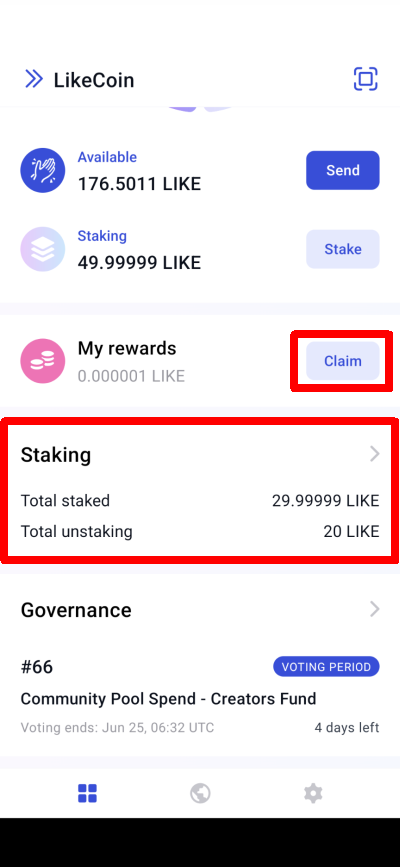
Click "Claim" on the Keplr Mobile homepage to withdraw your rewards, review the details again and click "Approve". Clicking "Staking" and the Staking Dashboard will appear.
Click "Claim" to withdraw rewards or Clicking "Staking"
to withdraw your rewards
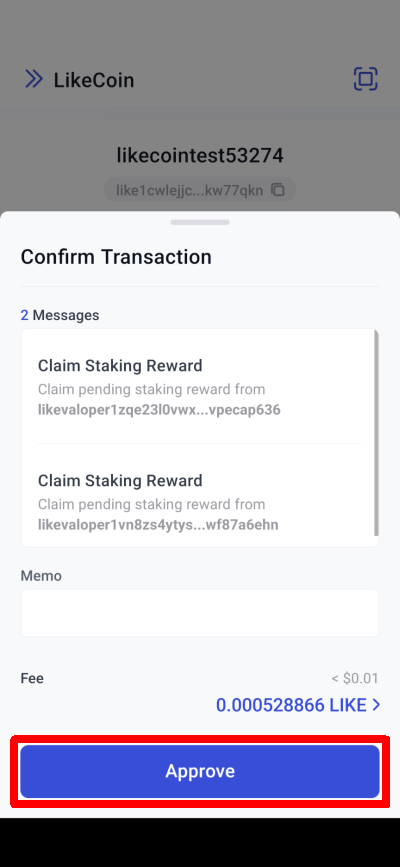
Click "Approve" to withdraw rewards
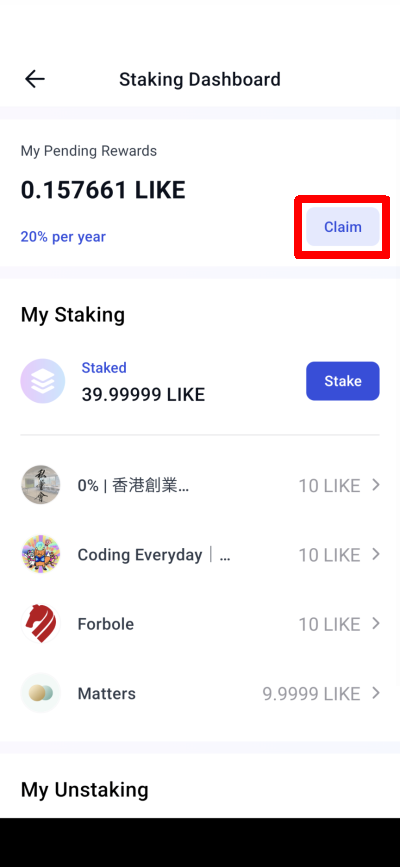
In "My Pending Rewards," you can also check the amount of rewards to be withdrawn and click "Claim" to complete the process. "My Staking" displays the number of LikeCoins delegated and the distribution of validators.
On Staking Dashboard click "Claim" to withdraw rewards
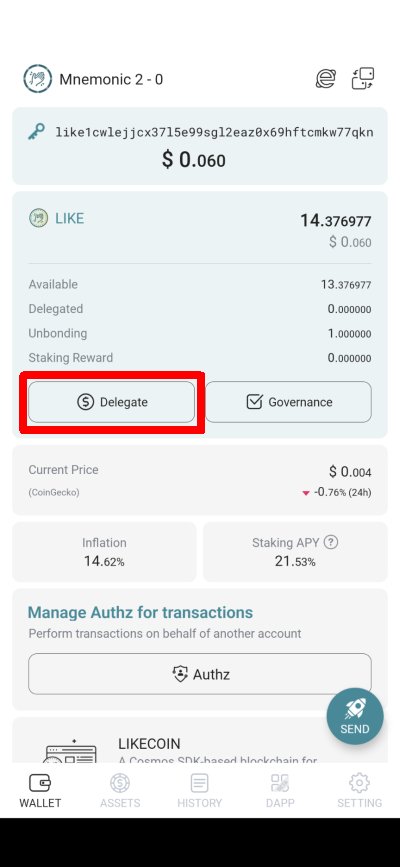
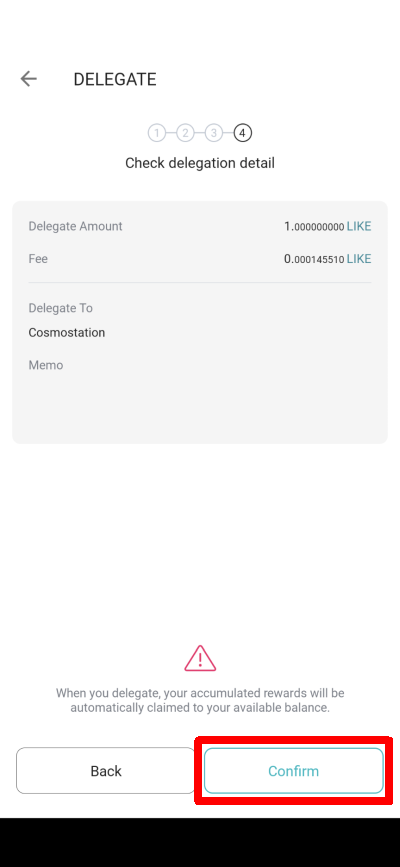
Reconfirm the delegate amount and transaction fee and click "Confirm".
Click "Confirm"
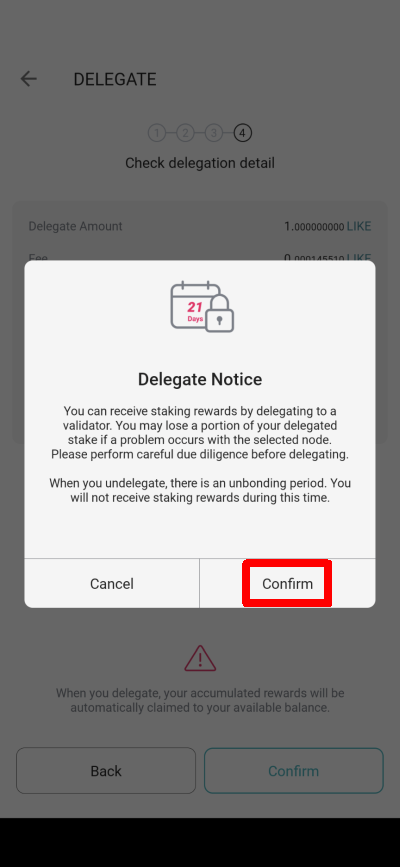
The "Delegate Notice" will appear. Read it and click "Confirm" again.
"Delegate Notice" click "Confirm" again
Step 6: PIN confirmation
Enter the PIN to confirm.
Enter the PIN to confirm
Step 7: Check your delegation
The delegation is complete and transaction details are displayed. Click "Done" when finished.
Delegation completed, press "Share", "Explorer" or "Done"
Step 8: Withdraw Rewards
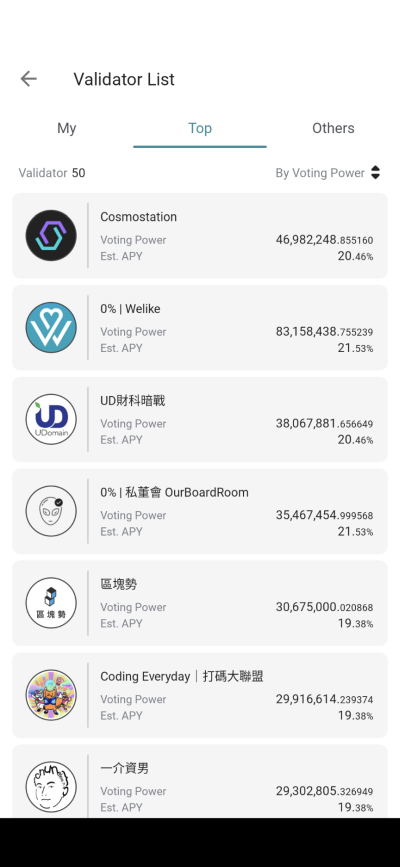
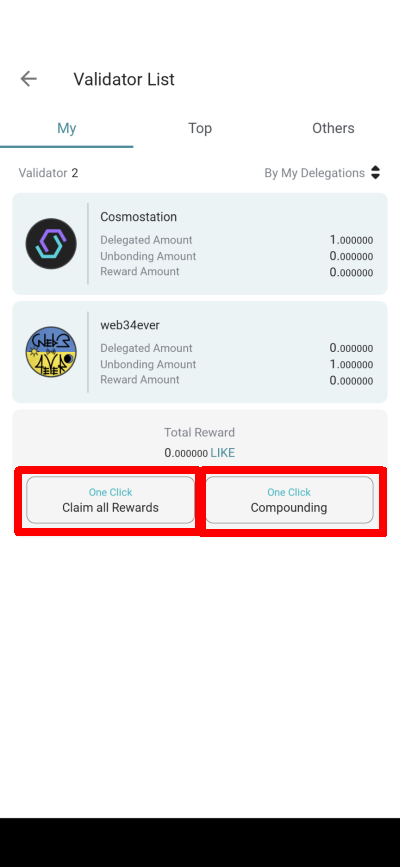
On the "My" page of the Validator List, select "One Click Claim all Rewards" to withdraw delegation rewards from all validators. Click "One Click Compounding" to reinvest the rewards to increase the delegated amount.
On the "My" page of the Validator List click "One Click Claim all Rewards" or "One Click Compounding"
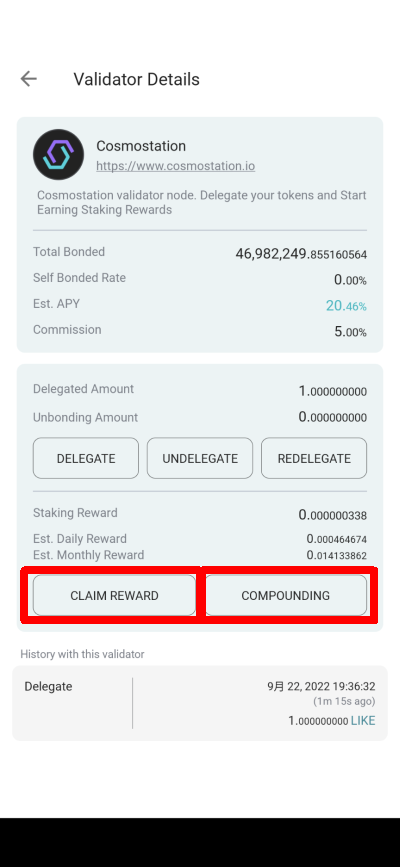
Alternatively, click on each validator to "Claim Reward" or "Compounding" one by one.
Cick on each validator to "Claim Reward" or "Compounding"
On the CLAIM REWARD or Compounding page, click "Next" and then "Confirm" to withdraw rewards.
Click "Next" and then "Confirm" to withdraw rewards
Delegate via LikeCoin app
You can also use the LikeCoin app to stake LikeCoin. You may check out the tutorial clip and the step-by-step instructions below.
Step 1: Select a validator
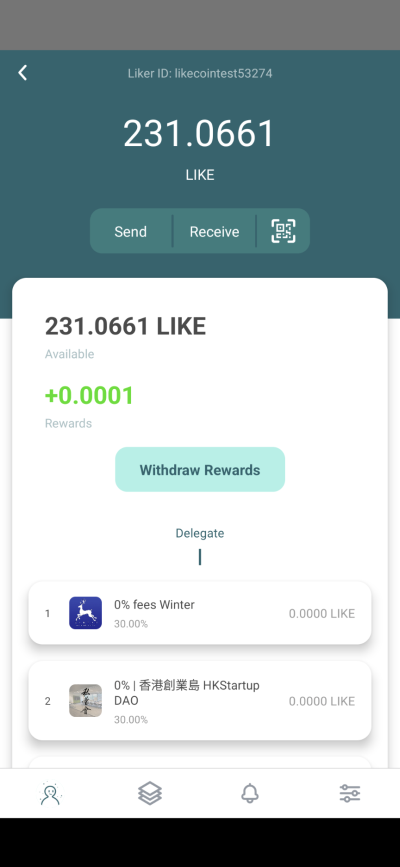
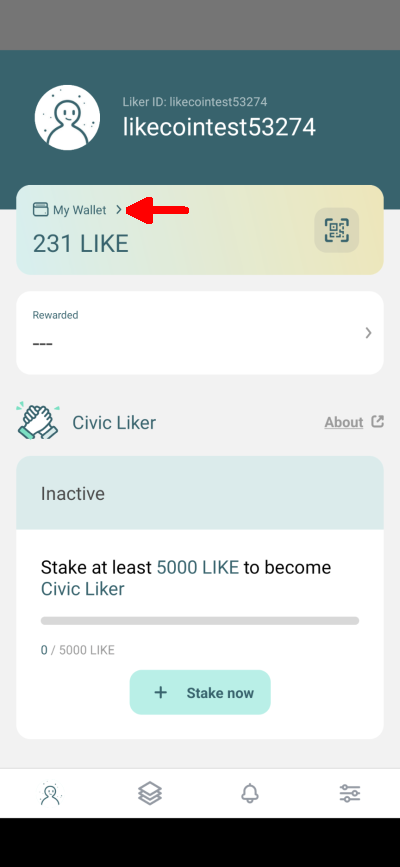
Open the LikeCoin app and click "My Wallet" to enter the wallet page. On this page, you can check the amount of LikeCoin you have and see a list of validators below. Select one of them as you like.
Click "My Wallet"
Scroll down to see other validators
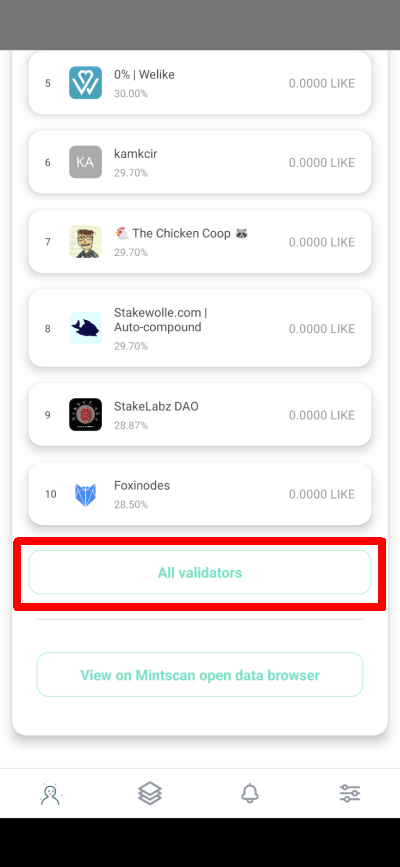
Click "All validators" to check out all validators
Please note that the commission rate of each validator may not be the same.
Select a validator and bring up the page below, which lists the percentage of rewards, voting power, and how much LikeCoin is being delegated to this validator (Liker Share).
Click "Delegate" and go to the next page.
Click "Delegate"
Step 2: Enter the amount of LikeCoin to delegate
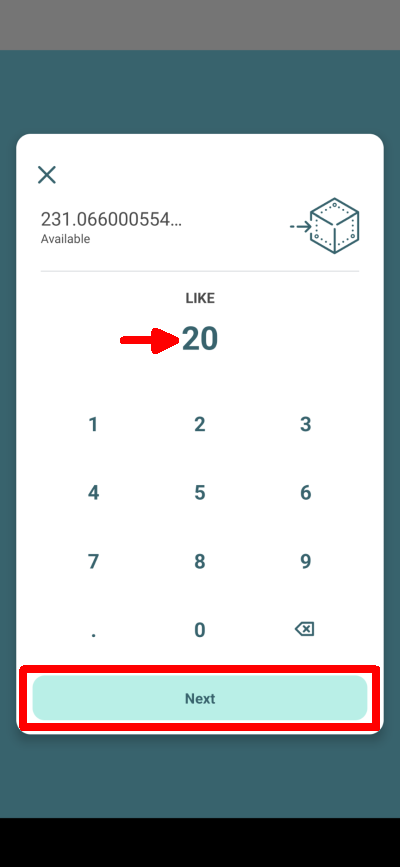
Click "Delegate" to bring up the following page, enter the amount of LikeCoin that you would like to delegate to the validator, then click "Next".
Enter the amount of LikeCoin to delegate and click "Next"
The confirmation page is displayed, showing the validator's wallet address. Click "Details" to reconfirm the amount to delegate and check the estimated transaction fee.
Click "Confirm", and after a few seconds, it displays "Transaction Completed," which means delegation of LikeCoin is completed.
Click "Confirm" to complete the delegation
A validator with your delegation will be displayed as green.
Step 3: Relax and Withdraw Rewards!
Going back to the wallet page, you can drag down the screen and refresh the wallet status.
The LikeCoin rewards earned from delegation will be released every 5 or 6 seconds, quicker than monthly interest from the bank! You can check out the "Delegating Rewards" amount from the validator page or click "Withdraw Rewards" to save the rewards back to your wallet. The minimum withdrawal amount on the LikeCoin app is 1 LikeCoin.