> For the complete documentation index, see [llms.txt](https://docs.v2.like.co/llms.txt). Markdown versions of documentation pages are available by appending `.md` to page URLs; this page is available as [Markdown](https://docs.v2.like.co/zh/depub/book-store/replenishment.md).
# 補書上架
電子書太好賣了,怎樣上架更多
{% hint style="warning" %}
此文檔只適用於 Liker Land 和 LikeCoin v2。如需了解 [3ook.com](http://3ook.com/) 和 LikeCoin v3,請至 [docs.3ook.com](http://docs.3ook.com/) 及 [dao.like.co](https://dao.like.co/)。
{% endhint %}
補書上架跟平常上架電子書的方式類同,只是有一點要注意。
## 步驟一:預備補書的 NFT Class ID
到 Liker Land 書店瀏覽已出版的電子書並記下 後 like 開頭的一串文字與數字,這便是 NFT Class ID。
找出 NFT Class ID
## 步驟二:鑄造更多電子書
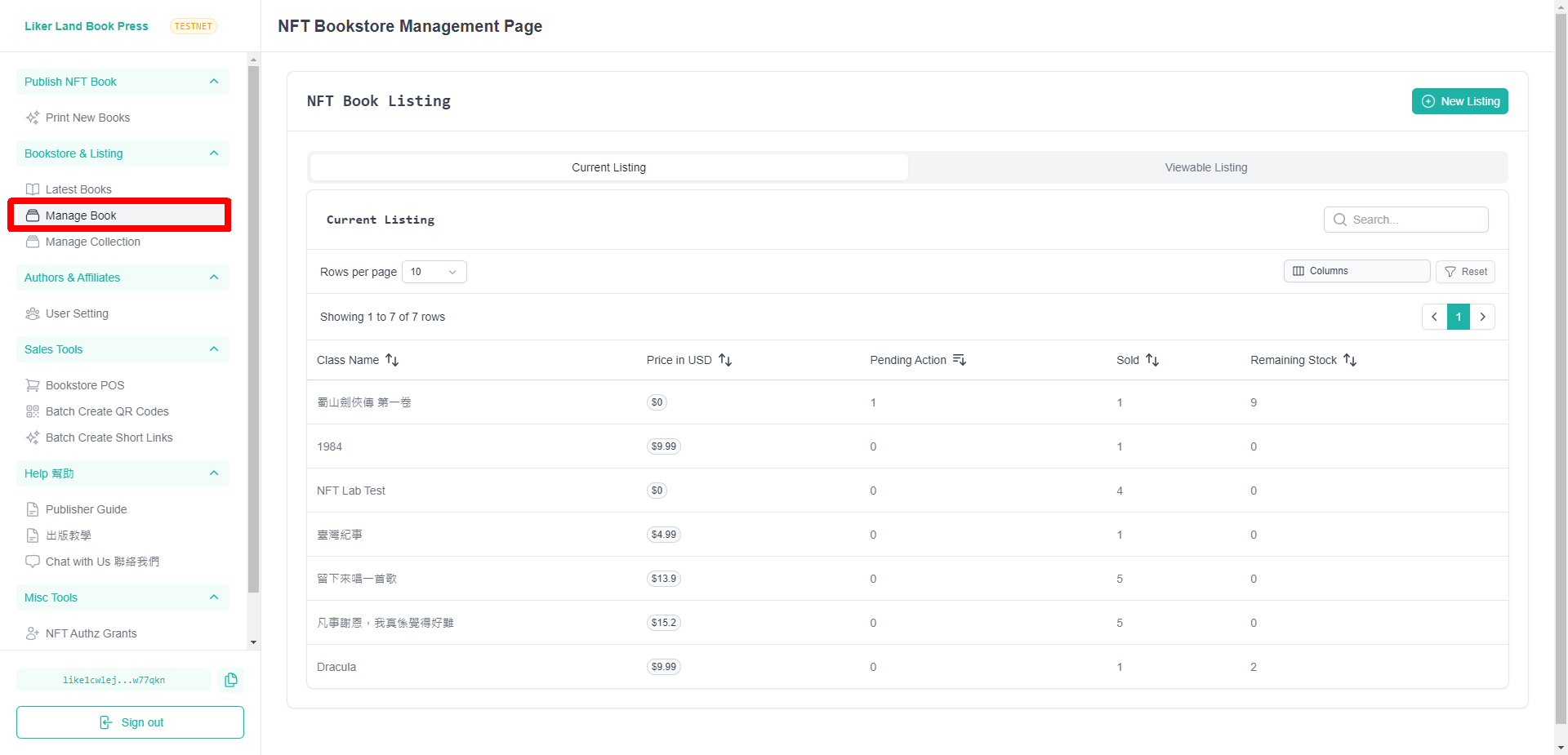
到 [Liker Land Book Press](https://publish.liker.land/) 網站,進入網站後點左下角「**Sign in**」連結錢包,再點「[Print New Books](https://publish.liker.land/mint-nft)」。
在 Enter ISCN ID or NFT Class ID 一欄輸入 **NFT Class ID**,輸入完成後點「**Submit**」。
{% hint style="danger" %}
重要!補書上架需要輸入 的是 **NFT Class ID** 而不是 ISCN ID!
{% endhint %}
在 Enter ISCN ID or NFT Class ID 一欄輸入 NFT Class ID
## 步驟三:填寫鑄造數量
在 Number of NFT to mint 一欄輸入需要鑄造多少個 NFT,填寫完成並確認無誤後點「**Mint**」簽署並完成鑄造。
## 步驟五:修改可供銷售的電子書數量
直接在 Total number of NFT for sale of this book 修改可供銷售的電子書數量,再點「**Save Changes**」即可補書上架。
在 Total number of NFT for sale of this book 修改可供銷售的電子書數量
---
# Agent Instructions
This documentation is published with GitBook. GitBook is the documentation platform designed so that both humans and AI agents can read, navigate, and reason over technical content effectively. Learn more at gitbook.com.
## Querying This Documentation
If you need additional information that is not directly available in this page, you can query the documentation dynamically by asking a question.
Perform an HTTP GET request on the current page URL with the `ask` query parameter, and the optional `goal` query parameter:
```
GET https://docs.v2.like.co/zh/depub/book-store/replenishment.md?ask=&goal=
```
`ask` is the immediate question: it should be specific, self-contained, and written in natural language.
`goal` is optional and describes the broader end goal you are ultimately trying to accomplish on behalf of the user. GitBook uses it to tailor the answer towards what is most useful for that goal.
The response will contain a direct answer to the question and relevant excerpts and sources from the documentation.
Use this mechanism when the answer is not explicitly present in the current page, you need clarification or additional context, or you want to retrieve related documentation sections.